User Interface
Overview
XBlast4D is operated through a web interface accessible in a browser. The interface allows you to:
- Select input files
- Configure calculation parameters
- Choose the output format for results
- Visualize models in 2D and 3D
The web interface is available locally through a browser and requires no client-side installation. Google Chrome, Microsoft Edge, and Mozilla Firefox are supported.
Authentication
On first login, you must authenticate via Keycloak. Use the credentials provided by your administrator.
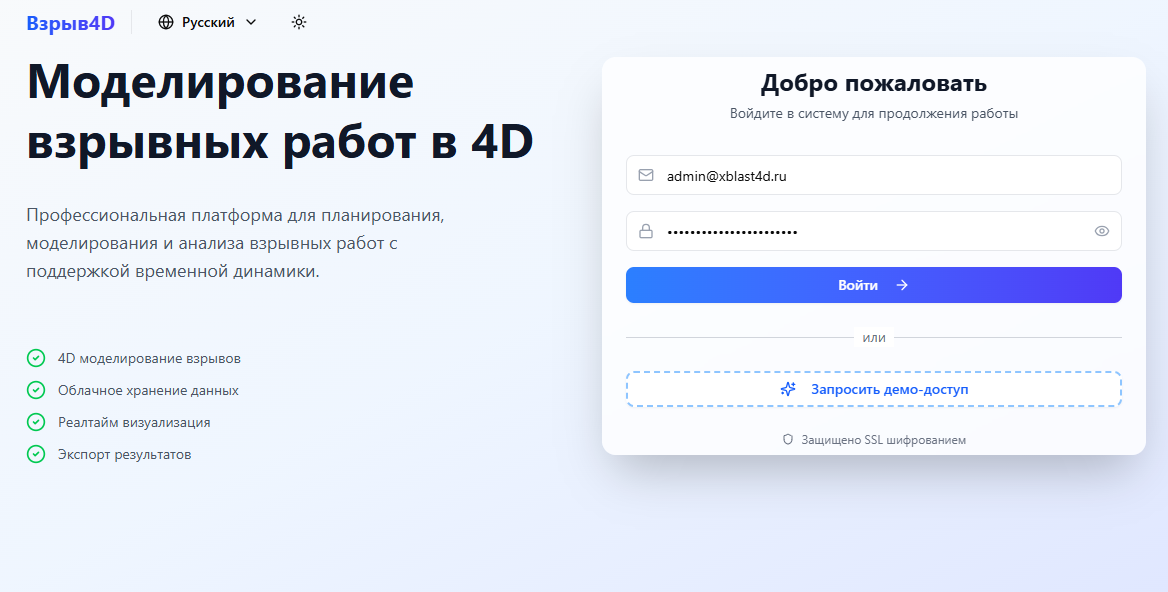
Credentials are provided individually to each user.
Main Interface Sections
Project Workspace
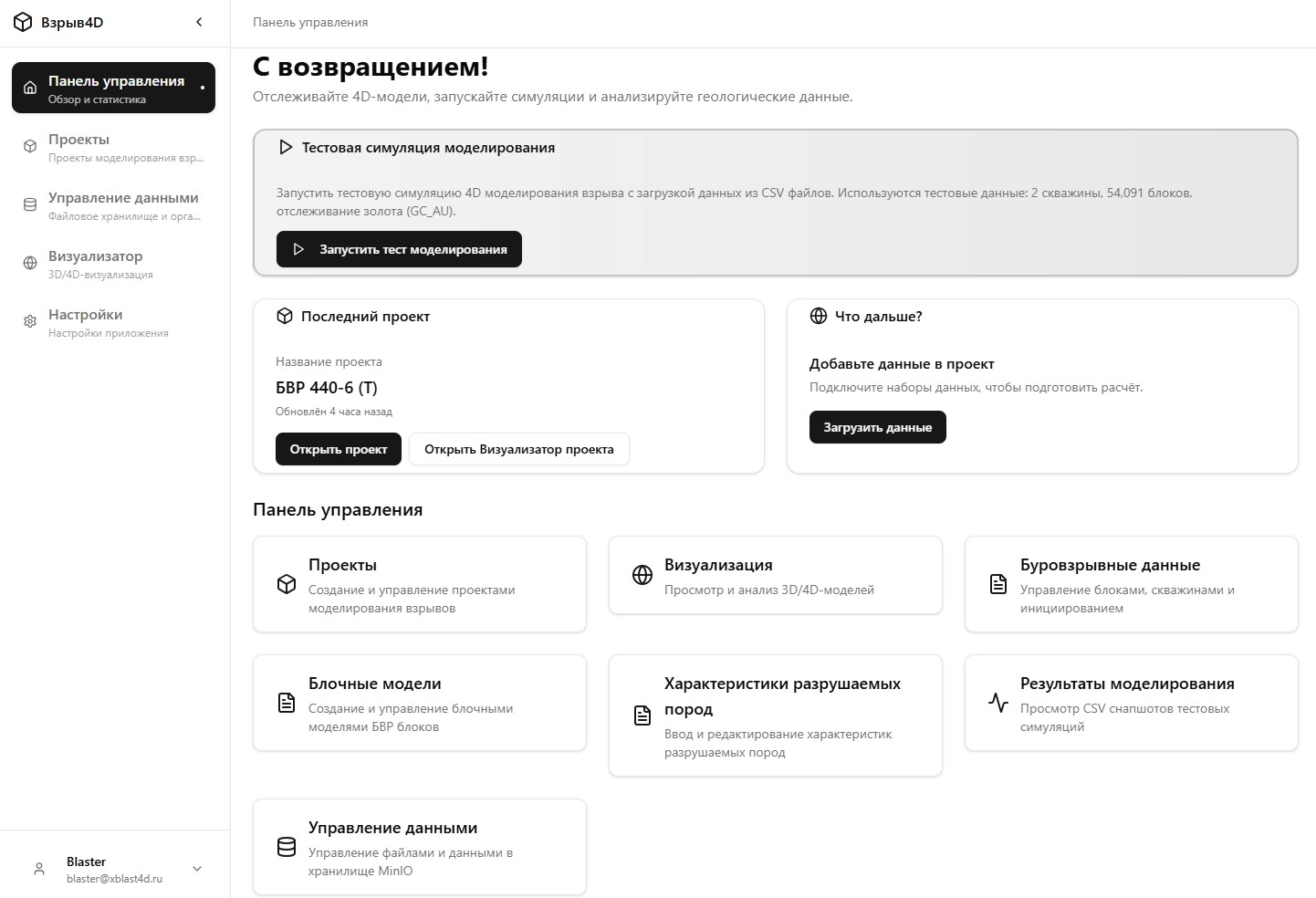
The central area of the interface where users create and manage simulation projects. Includes:
- Project list
- Current project parameters
- Navigation through calculation stages
Visualization Area
An interactive module for displaying:
- 3D models of the block and muck pile
- Rock displacement maps
- Distribution of quality characteristics
- Particle size distribution
Visualizations are rendered by the frontend module (Three.js) and can be integrated with third-party 3D platforms via exported files.
Parameters Panel
The area for configuring simulation parameters:
- Drilling configuration
- Explosive properties
- Initiation network
- Charge design
Results Panel
Display of calculation results:
- Particle size distribution tables and charts
- Displacement and concentration maps
- Data export parameters